This is how
GymLock works.
From the RFID chip on your wrist to real-time status in the dashboard – the complete flow explained clearly.
How your members experience it.
No key, no PIN, no hassle. Just hold up the wristband – done.
Entry
Member holds RFID wristband or card to the entry reader. Access is verified and granted.
Choose a locker
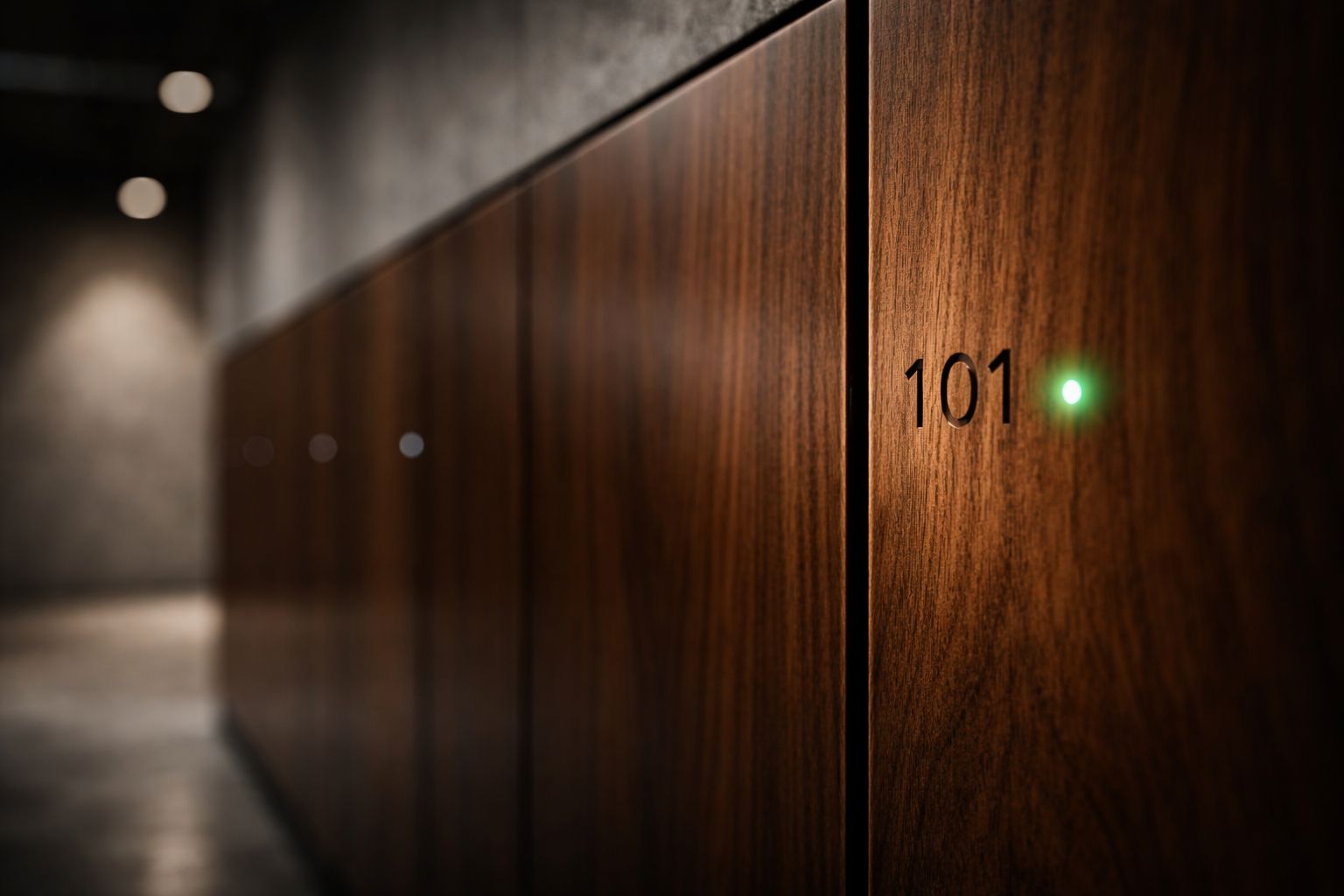
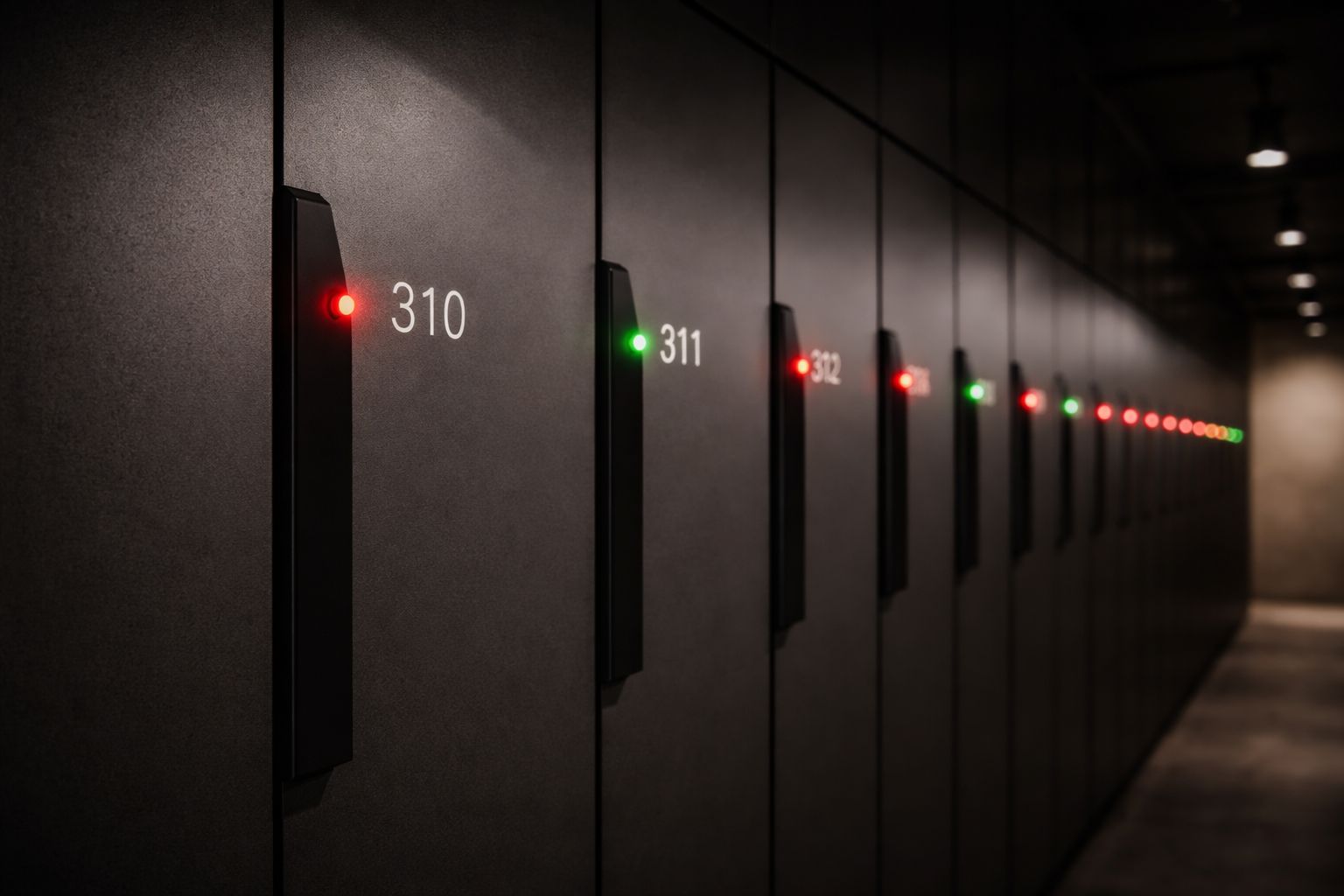
Member selects a free locker – identified by the green LED indicator.
Open & close
Hold wristband to the lock – it opens immediately. To close, hold it again. Done.
Workout & exit
After the workout, open the locker, take your belongings, close the lock – the locker is free again for others.
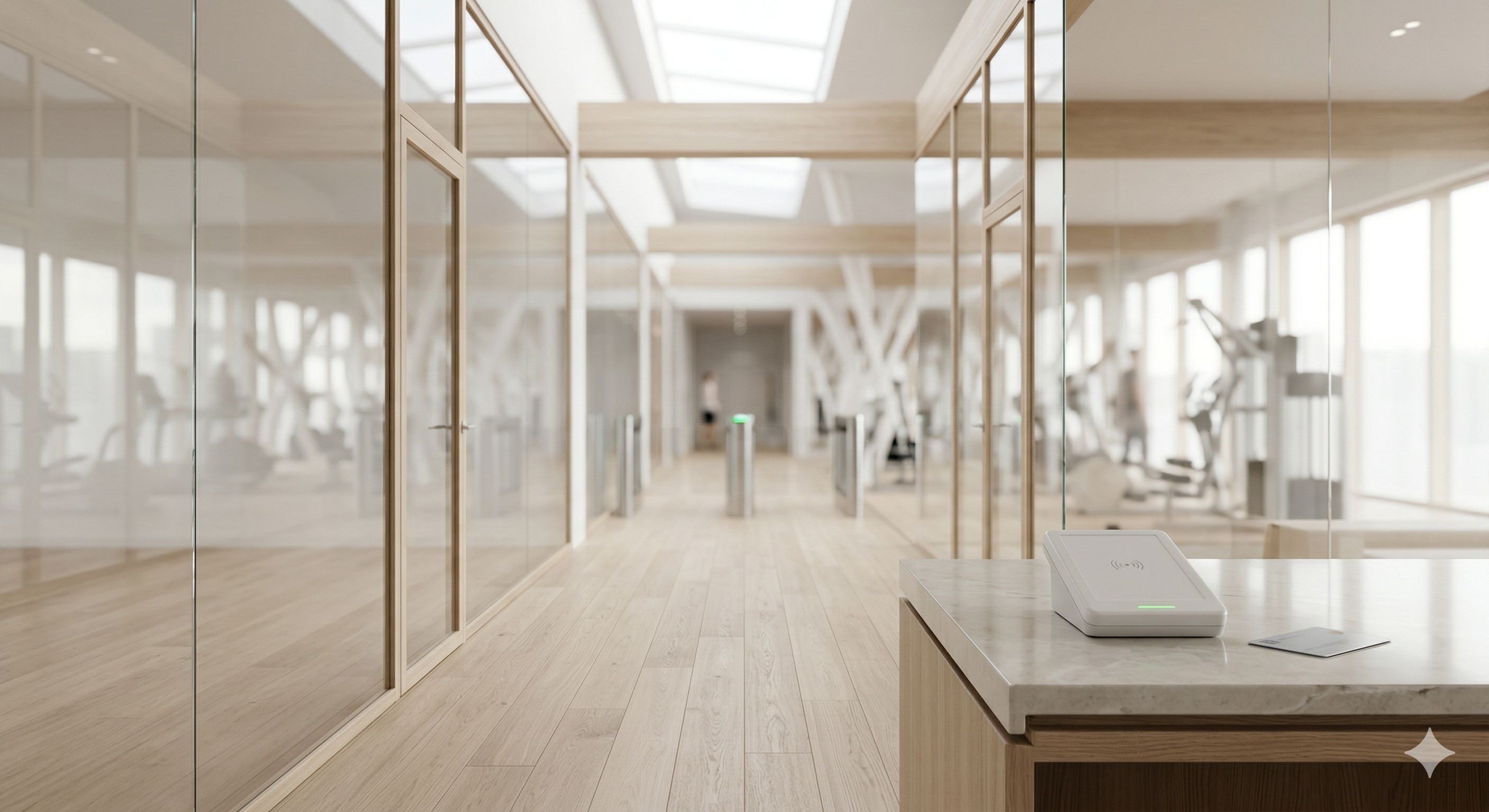 Entry with reader
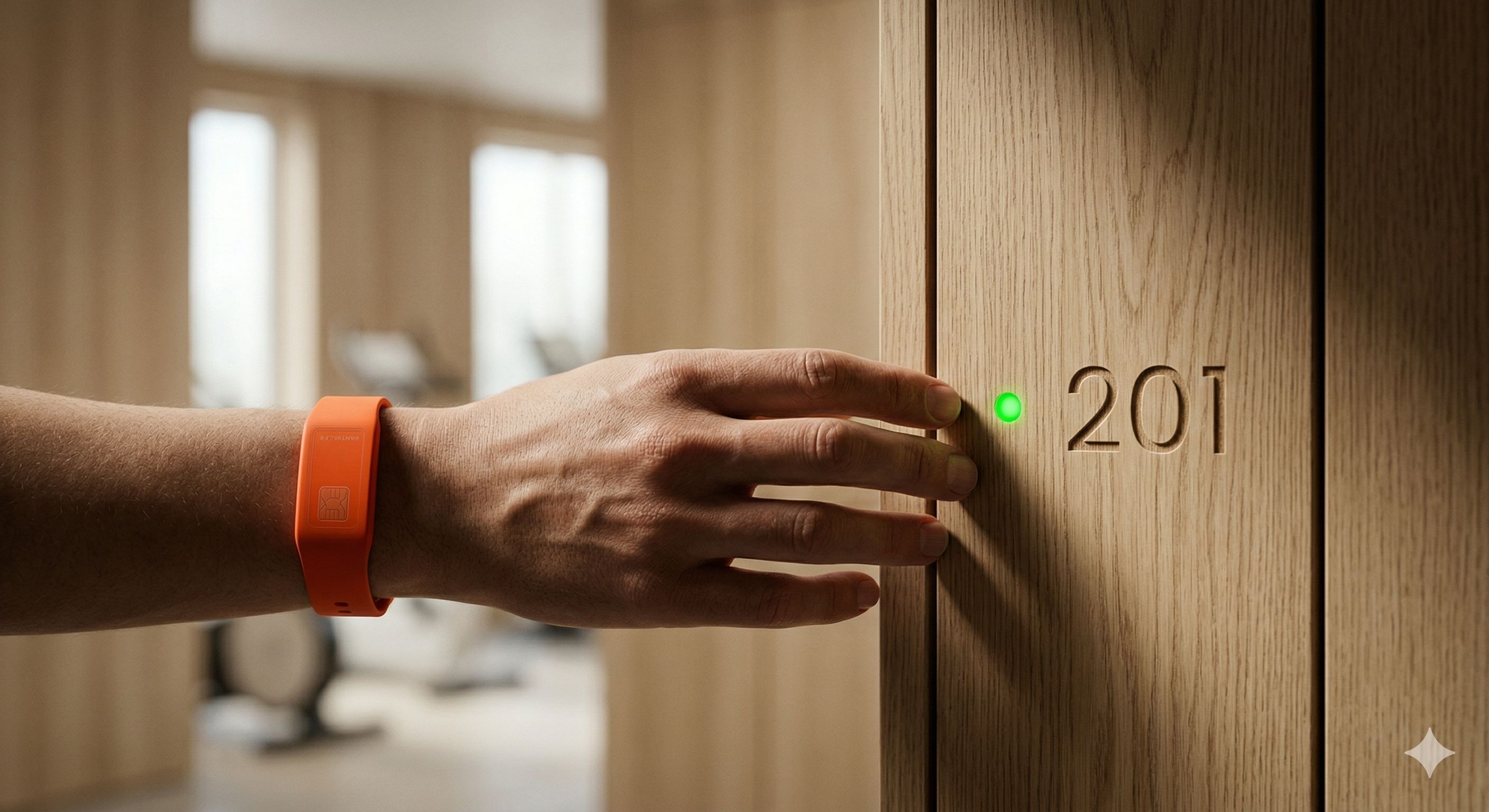 RFID opening at the lock
What happens behind the scenes.
Reliability through thoughtful architecture – from hardware to cloud.
RFID read at the lock
The lock reads the RFID UID of the medium (wristband or card) and sends the request via the wired bus system to the gateway.
Verification in the gateway
The gateway checks locally stored access permissions. If matched, the lock opens immediately – even without an active internet connection (offline fallback).
Sync with the cloud
All events are reported in real time to the GymLock cloud platform. Changes to access permissions from the portal are immediately transmitted to the gateway.
Integration with Magicline
The GymLock platform is directly connected to Magicline. When a membership status changes (cancellation, pause), permissions are automatically and immediately revoked or adjusted.
Monitoring & maintenance
The system continuously reports status data for all devices. Anomalies are detected and the operator team is notified – before a failure occurs.
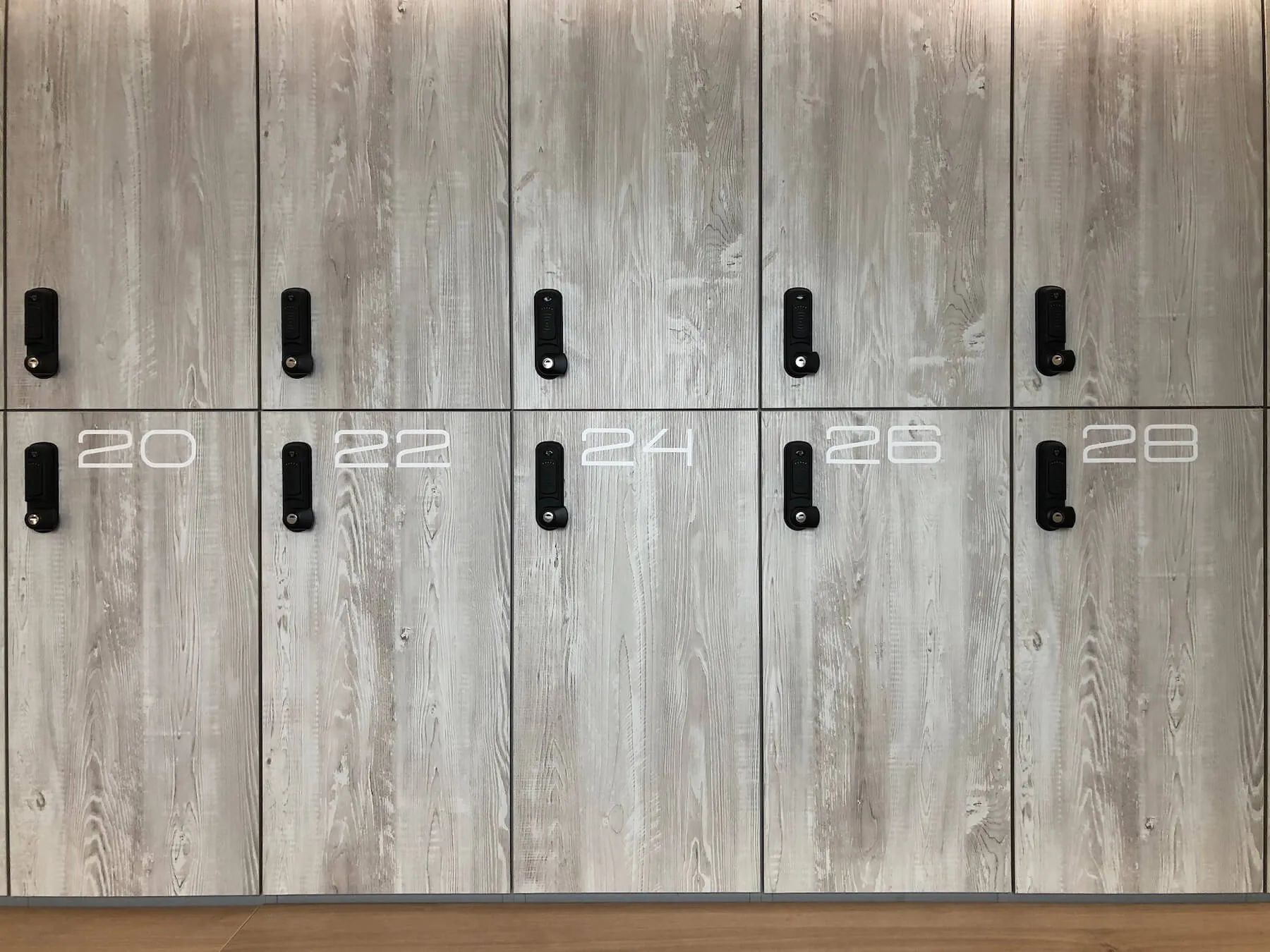 The Brain – GymLock Gateway
Offline capability
The gateway stores all access permissions locally. A loss of internet connectivity does not mean a loss of the locking system – members can still access their lockers.
Response time
The opening response occurs in under 500 ms after the RFID read – noticeably fast and reliable even under load.
How you manage your system.
The web dashboard makes complex tasks simple – no IT expertise required.
Real-time overview
See at a glance which locks are occupied, which are free, and whether there are any issues – in real time, on a single dashboard.
Assign members
Assign members to fixed lockers or enable self-assignment mode for flexible use. Adjustable at any time.
Time-controlled access
Define time windows for locker access – e.g. only during opening hours. Automatic lock outside defined times.
Remote opening
Open any lock with a click from the dashboard – e.g. for forgotten keys or cleaning staff. No on-site service required.
Maintenance alerts
The system automatically detects anomalies and notifies you – by email or dashboard alert – before a failure occurs.
Multi-location
Manage all locations from a single login. Filter, compare, export – everything in one place.
Up and running in a few hours.
No weeks-long renovation, no specialized staff for ongoing operations. GymLock technicians install the system – then you take over.
Assessment
Our technicians inspect your locker installation and plan the optimal configuration.
Hardware installation
Locks and gateway are mounted, bus system wired, readers installed.
Software setup & integration
Portal setup, Magicline connection, import of your member data, configuration of access rules.
Handover & training
Training your staff, system testing, go-live. We're closely reachable during the first weeks.
 Ready installed